How Do Smart Lights Work?
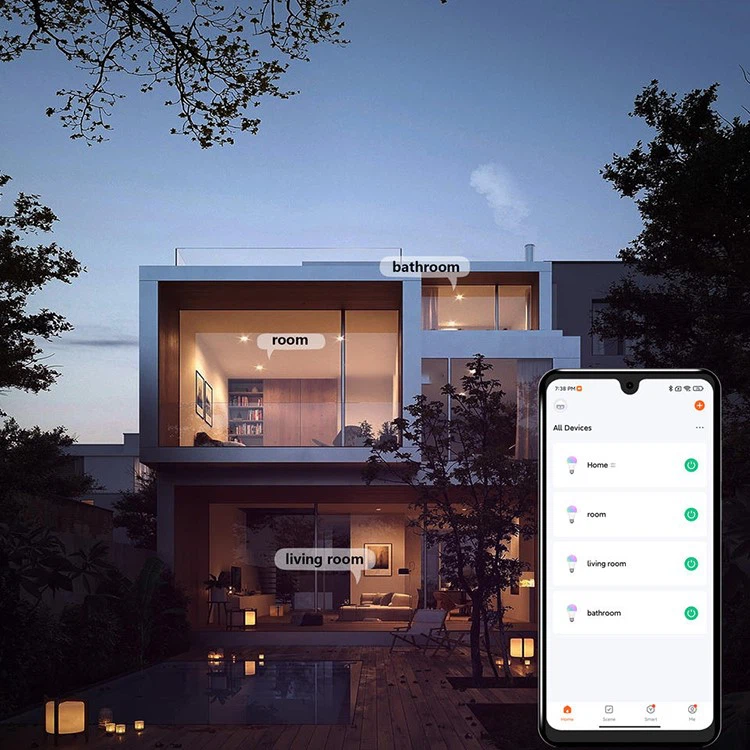
A summary of smart lighting.
Smart lighting is an excellent example of how a smart home may be appealing as a first step towards full home automation. Before switching to intelligent alternatives for all your lightbulbs and lights, you need understand how these adaptive lighting systems operate. Knowing the distinction between smart lights and conventional lighting is the initial step in comprehending smart lighting.
How do smart lights work?
Smart lights are fixtures and bulbs that can automatically perceive and respond to their surroundings, users, and other smart devices. Smart lights may be controlled remotely or by voice commands, as opposed to standard light bulbs, which must be operated manually. Most adaptive lighting capabilities are handled through wireless networking, which is frequently the solution to the question of how smart lights operate. It's also the reason your smart lights are simple to operate even while you're not at home.
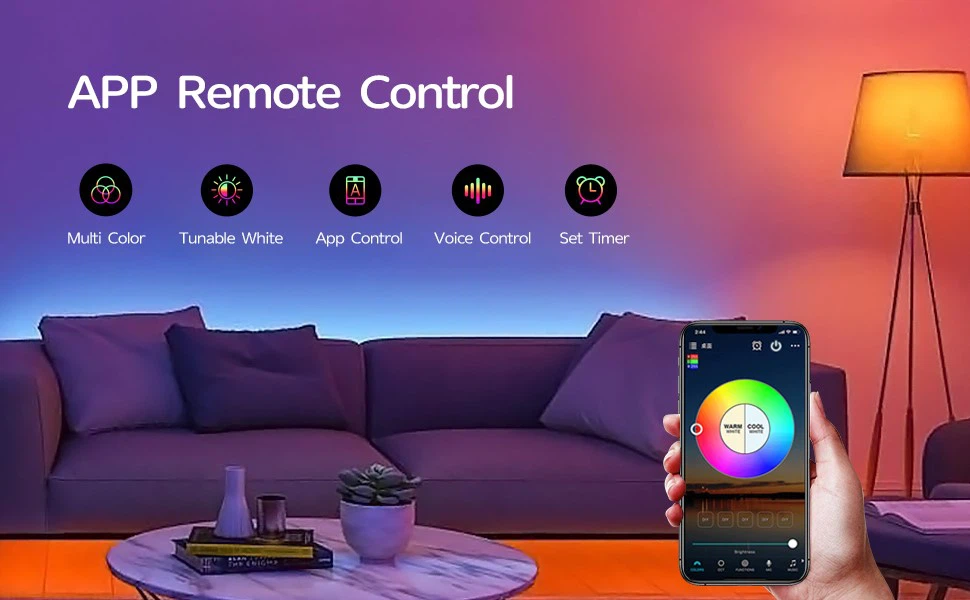
Depending on the type you choose, you may operate smart bulbs with a remote control, from your phone, or by using a digital voice assistant or smart display to provide spoken instructions. Certain versions of smart lights allow you to dip them remotely, change their colours, and adjust the temperature in addition to turning them on and off. Another important feature is the capability to programme their behaviours in accordance with daily timetables. These may be programmed to come on at night and go off at sunrise. Also, you may attach smart lights to various groups and manage every light in a group at once.
How are smart lights operated?
A smart light links to a central controller wirelessly and takes commands from it. While learning how to set up smart lights, it is important to keep in mind this important link. The main controller might be a hub or a smart home software platform. The majority of smart home hubs connect devices that are linked to the same Wi-Fi network. Wi-Fi-capable smart lights use wireless networks to connect to the internet.
To connect wirelessly, certain smart light bulbs need a specific smart hub, which must be plugged into an internet network. The hub also serves as a conduit between your phone or tablet and the smart light. It interprets instructions supplied from these mobile devices and sends them to the smart bulb. So, if smart lights don't rely on hubs, how do they function? They establish a direct connection with your home or office's Wi-Fi network. You communicate with the lights through the internet when you control them using a smartphone, tablet, or smart speaker.
Some smart lights have a variety of smart functions that don't entirely rely on wireless connectivity. These environment-aware lighting fixtures contain sensors that can identify changes. For instance, smart lamps equipped with motion or daylight sensors may turn on and off when they detect movement without hubs or internet access.
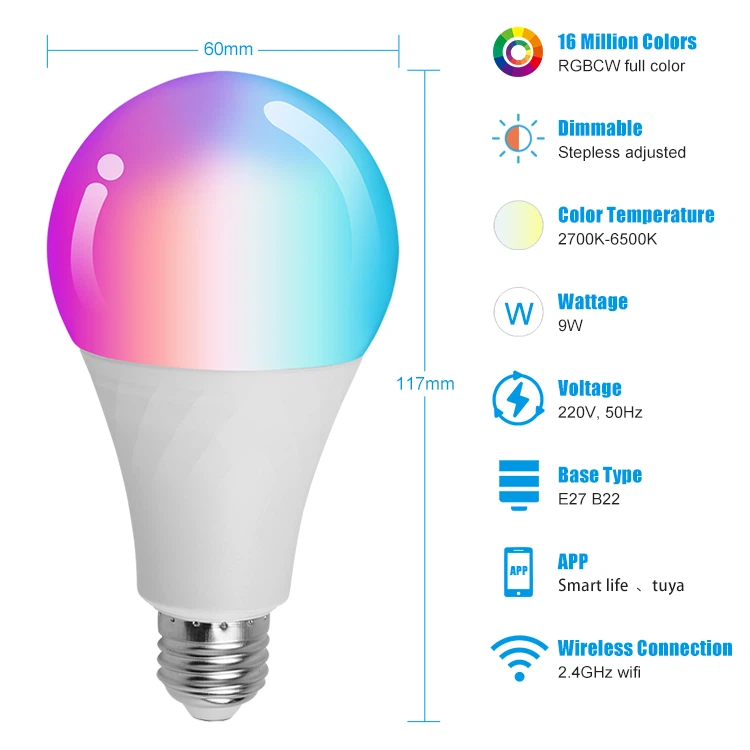
What advantages can smart lighting offer?
If you're considering converting from ordinary to smart bulbs, you might be concerned about the price difference. Although smart bulbs are somewhat more expensive than standard lights, they offer far greater value. Compact fluorescent (CFL) and light-emitting diode (LED) bulbs are the most common types of smart bulbs. They use less energy and are more durable than incandescent bulbs.
Also, because of features like scheduling, smart LED lights are more cost-effective than standard LED lights. By turning off smart lights when you leave the house, remote control and scheduling can help you save energy. Motion-activated outdoor smart lighting lights can increase the security of your house by deterring potential burglars from approaching the building.
Using smart lighting is enjoyable as well. You may create various moods in each of your home's rooms by adjusting the brightness and colour of your smart lights. While reading, watching movies, hosting parties, or getting ready for bed, these modifications assist create the ideal atmosphere.
How are smart light bulbs installed?
Smart light installation instructions are given in the manuals that come with each manufacturer's product. The initial step is to activate pairing mode on a freshly installed smart light. This frequently calls for repeatedly turning it on and off. While it tries to establish a wireless connection with a hub or a router, the light will flicker quickly.
To finish the connection procedure, download and launch the companion app for the smart light fixture on your smartphone. The light will stop blinking and remain on after it has been linked. Give each of your smart bulbs a name if you're installing several of them. You must finish the pairing and setup procedures for each smart bulb if you're replacing every light in your house with one.
Any of the smart lights you install might malfunction if they can no longer connect to the hub or router. The initial setup instructions for a smart light also apply to its reset. Start by continuously turning it on and off until it begins to flash quickly to enter pairing mode. By syncing the smart light with its mobile app, you may reconnect it.
Your smart light bulbs may be connected to your preferred smart home platform in addition to the companion app. This makes utilising voice commands to control the lights simple. Setting up the device in the Amazon Alexa, Apple HomeKit, or Google Home apps, respectively, is required to learn how to link your smart light to Alexa, Siri, or Google Assistant. It will save you time if you connect the brand's companion app to the app for your preferred smart home platform if you have several smart bulbs from the same manufacturer.
Can standard light fixtures be transformed into intelligent ones?
While making the switch to a smart home, if you'd prefer not to replace your light fixtures, you may still offer them some smart characteristics by controlling them using smart switches and plugs. You may incorporate these items into your smart home via their mobile applications, just like you did while learning how to install smart lighting. Be aware that a smart switch or plug only offers you a few options for controlling your lighting. You can only turn your standard bulb on and off with one. Installing a smart outlet is another choice that will quickly transform your light into a smart gadget.
Now that you are aware of the specifics of what smart lights are and how they operate, you can create a plan by first thinking about the layout and lighting requirements of your house. After that, you'll be prepared to go forward with home automation by installing smart lighting throughout your home.