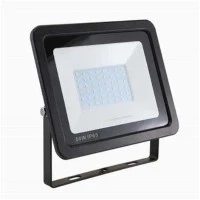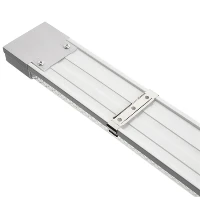

The replacement of fluorescent lighting systems with the new LED luminaries is one of the areas where the LED technology has distinguished itself. Comparatively speaking to fluorescent lighting systems, LEDs provide savings and higher efficiency.
The following are a few key benefits of replacing fluorescents:
Environmental: They don't contain mercury or other chemicals that are extremely hazardous to both the environment and human health.
Durability: Compared to 10,000 hours for a decent fluorescent bulb, LED systems may last up to 50,000 hours.
Automatic function-on: Unlike fluorescent lights, LEDs don't need to be charged and don't flash while they're on. Additionally, the amount of times they switch on and off has no bearing on how long they last.
Resistance: Compared to fluorescent tubes, LEDs are substantially more shock- and vibration-resistant. They are detachable and repairable, which is unimaginable for fluorescent tubes.
Consumption: LEDs use a lot less energy than fluorescent tubes do. They lack a ballast, which is responsible for 10% of the energy used by the fixtures.
More efficiency: LEDs emit light in only one direction, which significantly improves efficiency because there is no need for additional light redirection devices like fluorescents.
Compliance: LED luminaires also adhere to the strictest requirements and are accepted for use in hazardous locations by international organizations, increasing worker and user security.
Given all the advantages over fluorescent lighting, more industrial buildings are updating their electrical infrastructure with LED technology. It is relatively easy to switch a fluorescent tube out for an LED light. To connect LED luminaires, the fluorescent lamp's wiring must first be verified as follows:
STEP 1: After turning off the machinery, make sure there is no electricity to it by checking.
Remove the fluorescent tube from the fixture and cut the cabling connecting it to the tubes in Step 2.
STEP 3: Attach the NEUTRAL to one end of the light holder and the PHASE to the other end.
Check that it turns on in Step 4... IT IS SET UP!