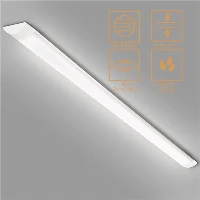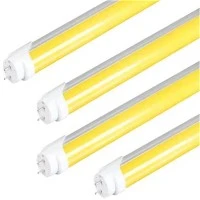

LEDs are widely used as a lighting source in various applications, from small-scale projects to commercial installations. However, sometimes they can start flickering, which can be distracting and annoying. Here are some tips on how to fix flickering LEDs.
Firstly, check the connections. Loose connections can cause flickering, so ensure that all the wires and cables are properly connected. If necessary, tighten the connections or replace damaged wires.
Secondly, replace the power supply. When the power supply is not enough to support the LED lights, or it's faulty, the lights can start flickering. It's recommended to use a power supply that's specifically designed for LED lights and check the wattage and voltage of the lights and the power supply.
Thirdly, use a LED dimmer. If you're using a dimmer for your LED lights, ensure that it's compatible with the lights. If the dimmer isn't designed for LEDs, it can cause flickering. Check the specifications of the dimmer and the lights, and if necessary, replace the dimmer with an LED compatible one.
Fourthly, update the firmware. If you're using smart LED lights or a control system, check if there are any firmware updates available. Some flickering issues can be resolved by updating the firmware or software. Check the manufacturer's website for any available updates and follow the instructions to install them.
Lastly, check for environmental factors. LED lights can be affected by environmental factors such as temperature, humidity, and voltage fluctuations. Ensure that the lights are installed in a suitable environment and that there are no electrical issues in the installation area.
In conclusion, fixing flickering LED lights can be done by checking the connections, replacing the power supply, using an LED compatible dimmer, updating the firmware, and considering environmental factors. By following these steps, you can ensure that your LED lights function properly and don't cause any inconvenience due to flickering.